Table of Contents
- What to Assess Before Choosing a CCTV Provider
- Key Technical Specifications to Evaluate
- SIA-Licensed CCTV Installers: Why Credentials Matter
- CCTV Installation Compliance UK: Legal Requirements
- Evaluating Provider Reliability and Support
- Commercial CCTV Maintenance Contracts: What to Expect
- Integration with Smart Home and Business Systems
- Making Your Final Decision
- Frequently Asked Questions
Last Updated: October 2, 2026
What to Assess Before Choosing a CCTV Provider
Learning how to choose a cctv provider is one of the most important decisions you’ll make for your site’s security. Get this wrong and you’re stuck with poor coverage, unreliable support, and wasted money. The good news: a structured approach removes most of the guesswork.
According to SafeHome.org’s 2026 Home Security Industry Report, 29% of users switch security providers due to easier setup or use, while 21% switch for better customer service. This tells you something critical: the best system on paper means nothing if your team can’t use it or get help when things go wrong.
Before you talk to a single provider, you need to understand your own requirements. What are you protecting? A warehouse with high-value stock needs different coverage than an office building. A retail shop has different risks than a manufacturing facility. Start there.
Wired vs Wireless Systems
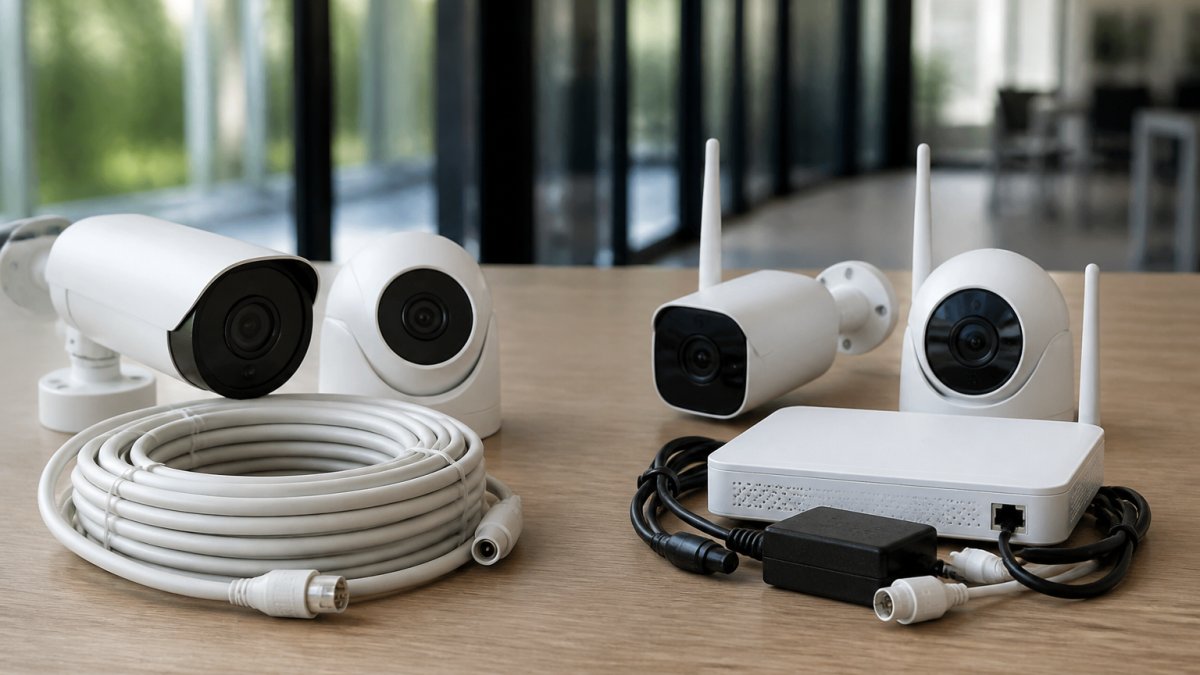
Wired CCTV systems use hardwired connections to power and transmit video. They’re more reliable and don’t depend on Wi-Fi strength. Wireless systems run on batteries and transmit over Wi-Fi, offering easier installation but less dependable performance.
Professional wired systems outperform Wi-Fi alternatives in critical security applications. CCTV Security Pros industry guidance notes that professional wired systems deliver superior reliability and performance compared to Wi-Fi cameras, particularly for businesses requiring 24/7 monitoring.
Wired systems make sense if:
- You need 24/7 monitoring without interruption
- Your site has consistent power supply
- You want long-term reliability over convenience
Wireless systems suit you better if:
- You need quick installation with minimal disruption
- You’re monitoring a smaller area
- You can accept occasional connectivity issues
The trade-off is simple: wired costs more upfront but runs reliably for years.
Indoor vs Outdoor Camera Placement
Indoor cameras protect sensitive areas: server rooms, stock areas, cash handling zones. Outdoor cameras deter theft and capture incidents in car parks, loading bays, and perimeter zones.
Consider your specific risks:
- High-value stock areas: Indoor cameras with motion detection
- Perimeter protection: Outdoor cameras with wide field of view and night vision
- Access points: Both indoor and outdoor coverage at doors and gates
- Parking areas: Outdoor cameras with good low-light performance
Storage Solutions: Cloud vs Local
Cloud storage uploads footage to remote servers. You access it anywhere, anytime. Local storage keeps footage on a hard drive or NVR (Network Video Recorder) at your site.
Cloud storage works best if:
- You need remote access from multiple locations
- Your internet connection is fast and stable
- You want automatic backups without maintenance
Local storage (NVR or DVR) suits you if:
- You want footage to stay on-site
- Your internet is unreliable
- You prefer no ongoing subscription fees
Ask your provider about hard drive capacity and retention periods. A 2TB drive might only store 30 days of footage at high resolution. Calculate what you actually need before signing up.
Key Technical Specifications to Evaluate
Your CCTV system is only as good as its technical foundation. Three specs matter most: resolution, field of view, and night vision capability.
Resolution, Field of View, and Night Vision
Resolution determines how clearly you see detail. HD (1080p) works for most applications. 4K offers sharper images but requires more storage and bandwidth. For facial recognition or reading number plates, 4K is worth the investment.
When selecting cameras, match the spec to the location:
- Warehouse aisles: 1080p HD, 90-degree FOV, 20m+ IR range
- Loading bay: 4K, 120-degree FOV, 30m+ IR range
- Office reception: 1080p, 90-degree FOV (night vision optional)
- Car park: 4K, 120-degree FOV, 30m+ IR range
Motion Detection and Video Analytics
Motion detection triggers recording only when movement occurs. This saves storage space and makes reviewing footage faster.
Motion detection reduces storage by 60-80%. Video analytics help you spot real threats instead of reviewing hours of empty corridors.
SIA-Licensed CCTV Installers: Why Credentials Matter
Not all installers are equal. The difference between a qualified professional and someone with a ladder is the SIA (Security Industry Authority) licence.
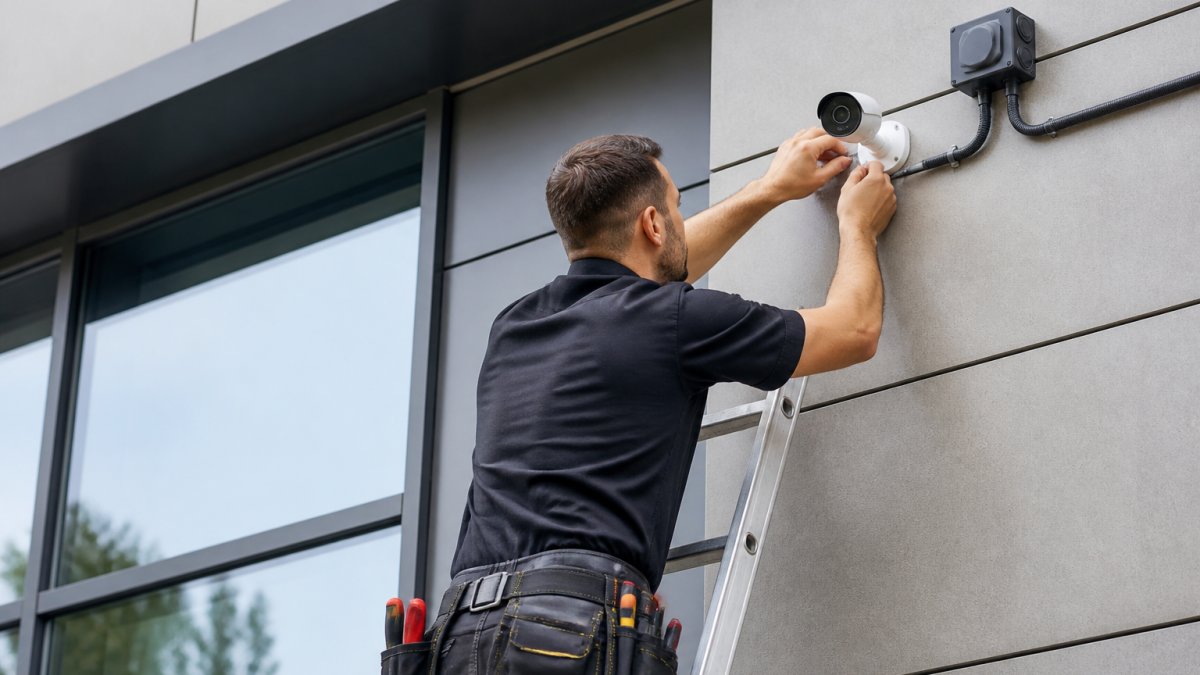
An SIA-licensed installer will:
- Conduct a proper site survey before quoting
- Design coverage to eliminate blind spots
- Install equipment to professional standards
- Provide documentation and compliance certificates
- Offer ongoing support and maintenance
CCTV Installation Compliance UK: Legal Requirements
Installing CCTV isn’t just a technical decision. It’s a legal one. UK law sets strict rules about what you can monitor and how you must handle footage.
Data Protection and Privacy Considerations
The UK Data Protection Act 2018 and GDPR require that CCTV systems are proportionate to your security need. You can’t film areas where people have a reasonable expectation of privacy (toilets, changing rooms, private offices without consent).
Your CCTV system must have:
- A clear security purpose (preventing crime, protecting assets)
- Footage retention limited to a set period (typically 30 days for standard systems)
- Restricted access (only authorised staff can view footage)
- Data encryption for any cloud storage
Most providers handle compliance as standard. But verify this before signing. Ask them:
- What’s your data retention policy?
- How is footage encrypted?
- Who has access to the system?
Legal Signage and Notification
If your CCTV system records audio, you must notify people they’re being recorded. Visual notice (a sign saying “CCTV in operation”) is required for video-only systems as well.
Your signage should state:
- That CCTV is in operation
- Who operates the system (your company name)
- Why it’s there (crime prevention, asset protection)
- How to contact you with questions
Failing to display proper signage can result in ICO enforcement action and fines. Get this wrong and you’re liable, not your installer.
Evaluating Provider Reliability and Support
A great system with poor support becomes a liability. When your CCTV fails during a break-in, you need help fast.
Professional Installation vs DIY
Professional installation costs more upfront but saves headaches later. A professional surveys your site, designs optimal coverage, handles all wiring, and tests everything before handing over.
DIY installation (buying cameras and mounting them yourself) is cheaper but risks:
- Poor coverage with blind spots
- Incorrect camera angles that miss faces or number plates
- Wiring that fails or causes electrical issues
- No professional documentation for insurance claims
Customer Service and Response Times
According to SafeHome.org’s 2026 data, 21% of users switch providers specifically for better customer service. This isn’t trivial.
When your system fails, you need someone who answers the phone and solves the problem. Ask potential providers:
- What are your support hours? (24/7 is standard for commercial)
- What’s your average response time for faults?
- Do you provide on-site repairs or remote troubleshooting?
- What’s included in your maintenance contract?
Commercial CCTV Maintenance Contracts: What to Expect
Your CCTV system needs regular maintenance. Cameras get dirty, hard drives fail, firmware needs updating. A maintenance contract covers these tasks.
Standard maintenance includes:
- Monthly camera cleaning and lens checks
- Quarterly system health checks
- Hard drive or NVR inspection
- Firmware and software updates
- Parts replacement (within the contract scope)
Ask your provider:
- What’s included in standard maintenance?
- How often do technicians visit?
- Are parts replacements included or charged separately?
- What’s the response time for emergency repairs?
Request a maintenance schedule in writing. If your provider can’t commit to specific visit dates, find someone who can.
Integration with Smart Home and Business Systems
Modern CCTV systems integrate with access control, alarms, and business management software. This creates a unified security picture.
Integration benefits:
- Access control: Lock doors automatically when motion is detected after hours
- Alarm systems: CCTV triggers when alarms activate, giving you video of the incident
- Mobile alerts: Receive notifications on your phone when motion is detected
- Business software: Integrate with your existing management systems
Making Your Final Decision
You’ve now learned how to choose a cctv provider by assessing your needs, evaluating technical specs, checking credentials, and reviewing support options. Now it’s time to decide.
Create a comparison table of your top 3 providers:
| Provider | Installation Cost | Monthly Support | SIA Licensed | 24/7 Support | Local Storage | Cloud Backup |
|---|---|---|---|---|---|---|
| Option A | £X | £Y | Yes | Yes | Yes | Yes |
| Option B | £X | £Y | Yes | No | Yes | No |
| Option C | £X | £Y | No | Yes | Yes | Yes |
Frequently Asked Questions
What qualifications should a professional CCTV installer have?
A reputable CCTV provider should employ SIA-licensed technicians with formal qualifications in surveillance system design and installation. Look for installers who hold certifications in IP camera systems, NVR (Network Video Recorder) configuration, and data protection compliance. They should also understand site survey methodology to assess your property’s security risks and recommend optimal camera placement for 95% surveillance coverage. Verify credentials directly with the SIA (Security Industry Authority) before committing.
How do I verify if a CCTV company is SIA-licensed?
Check the SIA’s official register on their website, which lists all approved contractors and operatives. Request the provider’s SIA ACS (Approved Contractor Scheme) certificate and ask for their SIA licence number. Legitimate providers will display this certification prominently and have no issue providing proof. This verification is critical because SIA-licensed installers must comply with UK installation standards and undergo regular audits to maintain their status.
What’s the difference between wired and wireless CCTV systems?
Wired systems use hardwired connections and PoE (Power over Ethernet) cabling for both power and data transmission, offering superior reliability and performance in critical security applications. Wireless systems rely on Wi-Fi connectivity, which can be easier to install but may suffer from connectivity issues and reduced reliability in high-interference environments. Professional wired systems are recommended for commercial properties requiring 24/7 monitoring, while wireless may suit smaller residential installations with stable network infrastructure.
What should I expect from a commercial CCTV maintenance contract?
A comprehensive maintenance contract should include regular system inspections, firmware updates for security patches, hard drive capacity monitoring, and rapid response to faults. The provider should conduct quarterly site surveys to ensure camera positioning remains effective, clean lenses and weatherproofing (IP66/IP67 rated equipment), and provide remote access support for troubleshooting. Response times for critical failures should be clearly defined in your service level agreement, with many providers offering 24/7 on-call support for commercial clients.